0x13. Firewall
- Concepts
For this project, we expect you to look at this concept:
- Firewall
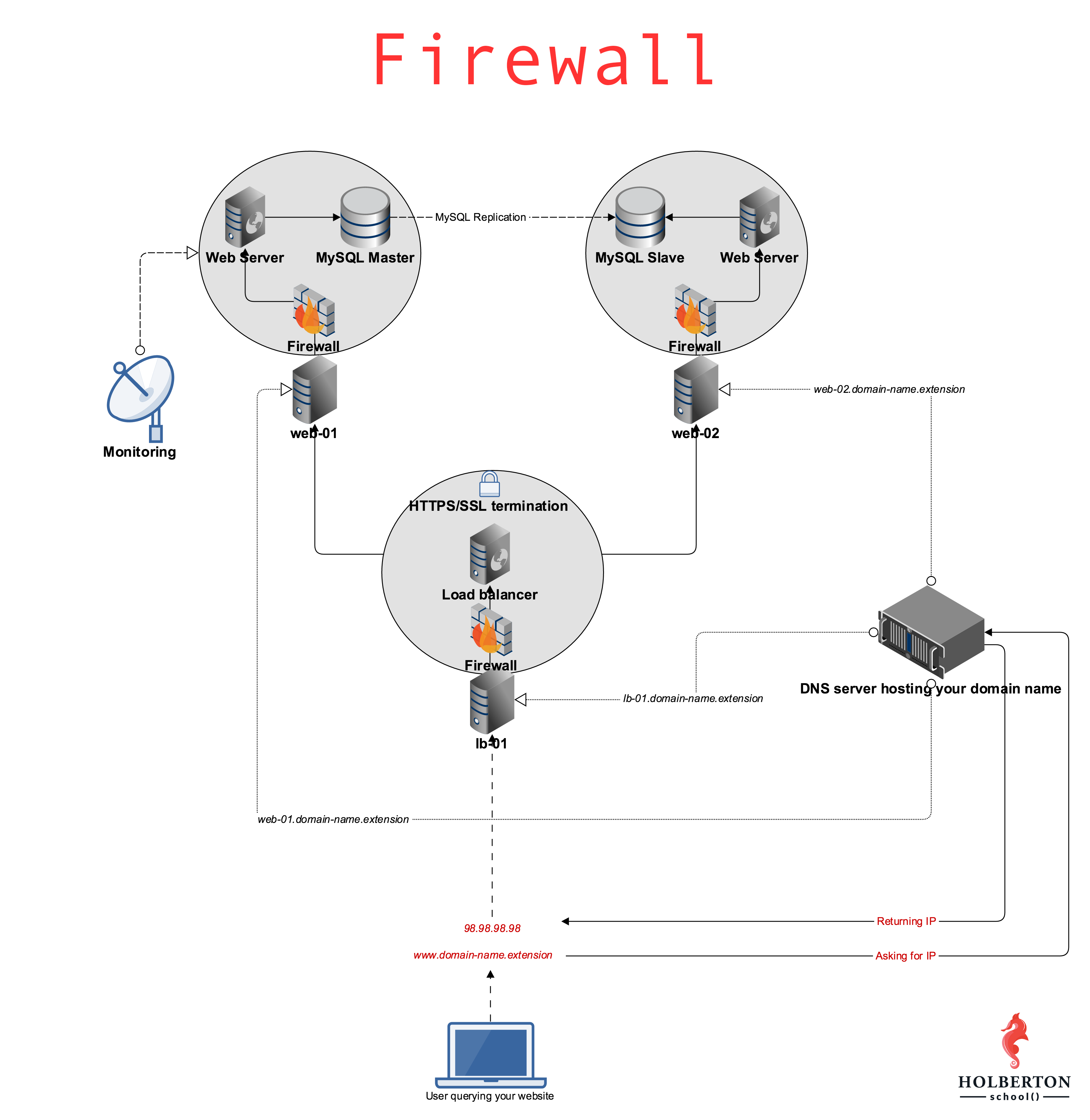
Background Context
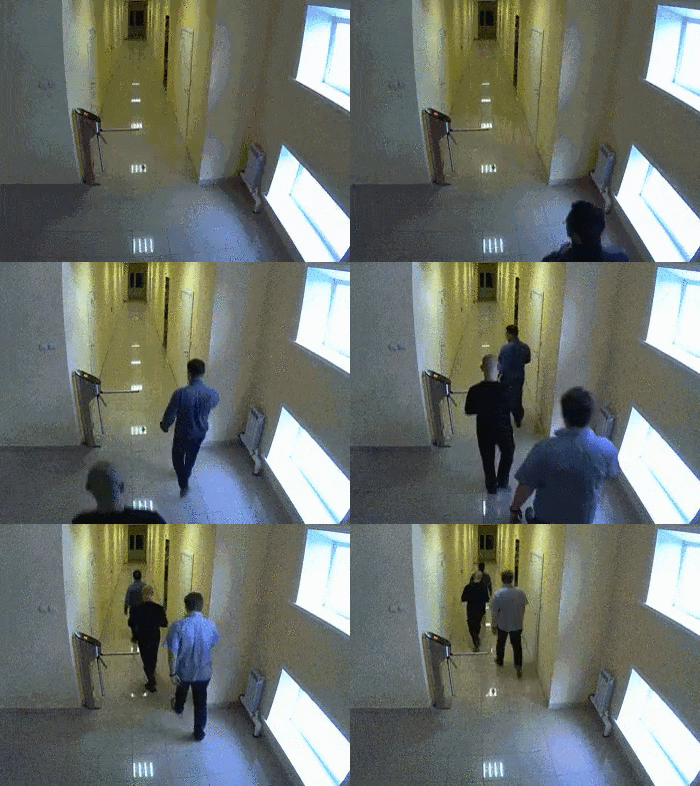
Your servers without a firewall…
- Resources
- More Info
As explained in the web stack debugging guide concept page, telnet is a very good tool to check if sockets are open with telnet IP PORT. For example, if you want to check if port 22 is open on web-02:
sylvain@ubuntu$ telnet web-02.holberton.online 22 Trying 54.89.38.100... Connected to web-02.holberton.online. Escape character is '^]'. SSH-2.0-OpenSSH_6.6.1p1 Ubuntu-2ubuntu2.8 Protocol mismatch. Connection closed by foreign host. sylvain@ubuntu$We can see for this example that the connection is successful: Connected to web-02.holberton.online.
Now let’s try connecting to port 2222:
sylvain@ubuntu$ telnet web-02.holberton.online 2222 Trying 54.89.38.100... ^C sylvain@ubuntu$We can see that the connection never succeeds, so after some time I just use ctrl+c to kill the process.
This can be used not just for this exercise, but for any debugging situation where two pieces of software need to communicate over sockets.
Note that the school network is filtering outgoing connections (via a network-based firewall), so you might not be able to interact with certain ports on servers outside of the school network. To test your work on web-01, please perform the test from outside of the school network, like from your web-02 server. If you SSH into your web-02 server, the traffic will be originating from web-02 and not from the school’s network, bypassing the firewall.
Tasks
0. Block all incoming traffic but
- Block all incoming traffic but
Let's install the
ufwfirewall and setup a few rulesRequirements:
The requirements below must be applied
Configure
ufwso that it blocks incoming traffic, except the following TCP ports22 (SSH)443 (HTTPS SSL)80 (HTTP)
Share the
ufwcommand that you used
- GitHub Repository:
- alx-system_engineering-devops
- Directory:
- 0x13-firewall
- File
- 0-block_all_incoming_traffic_but