0x01. Git
- Concepts
For this project, we expect you to look at these concepts:
- Resources
- Learning Objectives
At the end of this project, you are expected to be able to explain to anyone, without the help of Google
- General
What is sourcecode management
What is Git
What is GitHub
What is the difference between Git and GitHub
How to create repository
What is a README
How to write good READMEs
How to commit
How to write helpful commit messages
How to push code
How to pull updates
How to create a branch
How to merge branches
How to work as collaborators on a project
Which files should and which files should not appear in your repo
- Copyright - Plagiarism
You are tasked to come up with solutions for the tasks below yourself to meet with the above learning objectives.
You will not be able to meet the objectives of this or any following project by copying and pasting someone else’s work.
You are not allowed to publish any content of this project.
Any form of plagiarism is strictly forbidden and will result in removal from the program.
- Requirements
A
README.mdfile at the root of thealx-pre_courserepo, containing a description of the repositoryA
README.mdfile, at the root of the folder of this project (i.e.0x01-git), describing what this project is aboutDo not use GitHub’s web UI, but the command line to perform the exercise (except for operations that can not possibly be done any other way than through the web UI). You won’t be able to perform many of the task requirements on the web UI, and you should start getting used to the command line for simple tasks because many complex tasks can only be done via the command line.
Your answer files should only contain the command, and nothing else
- Basic Usage
At the end of this project you should be able to reproduce and understand these command line:
$ git clone <repo> $ touch test $ git add test $ git commit -m "Initial commit" $ git push origin main
Tasks
- 0. Create and setup your Git and GitHub account
Step 0 - Create an account on GitHub [ if you don't have one already ]
You will need a GitHub account for all your projects. If you don't have a github.com account, you can create one here
Step 1 - Create a Personal Access Token on Github
To have access to your repositories and authenticate yourself, you need to create a Personal Access Token on Github.
You can follow this tutorial to create a token.
Once it is created you should have a token that looks like this:
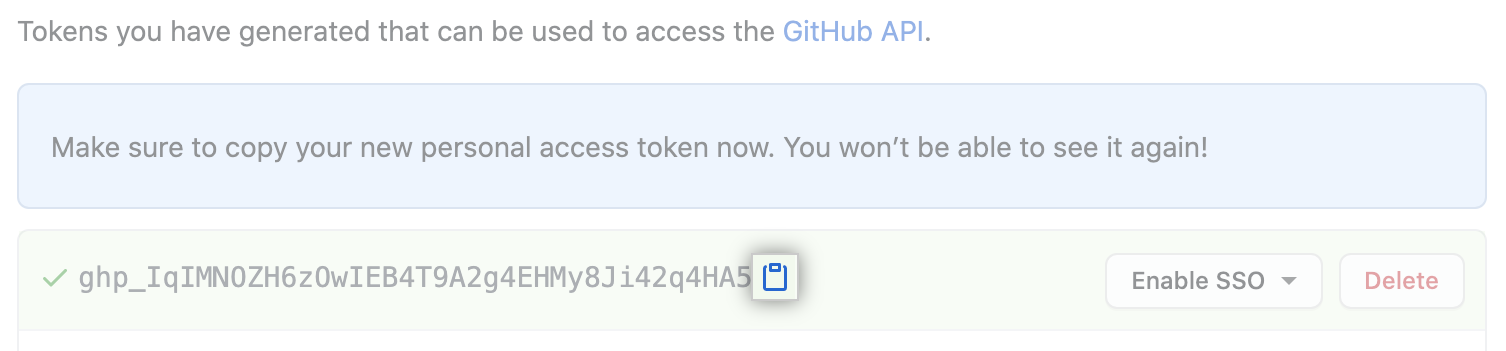
Step 2 - Create your first repository
Using the